Google rewrites meta descriptions 62.78% of the time and shows the author's version only 37.22% of the time. That means the job isn't to write a perfect snippet, but to write one that gives Google a strong reason to preserve or improve.
A meta description still matters because it shapes the way your page enters the search journey. It can clarify intent, set expectations, distinguish your result from nearby competitors, and influence whether a searcher sees your page as relevant. But the editor preview isn't the finish line. The test is whether your wording matches the page closely enough for Google to reuse it, or whether the page itself contains stronger language that Google will select instead.
Table of Contents
Your carefully written description is more likely to be rewritten than displayed exactly as entered. Ahrefs reported that Google rewrites meta descriptions 62.78% of the time, while it shows the authored version 37.22% of the time. The same analysis found that 25.02% of top-ranking pages have no meta description at all, so Google often builds snippets from visible page content or other signals. These findings are summarized in Search Engine Land's guide to meta descriptions.
That doesn't make the tag pointless. It changes what success means. You aren't controlling the final snippet. You're supplying a concise, relevant candidate and surrounding the page with language that makes the intended interpretation easy for Google to extract.
Practical rule: Write for snippet selection, not for the preview box.
A description fails when it says something true about the brand but nothing specific about the page. “Discover quality solutions for your business” could describe a homepage, product category, software feature, or blog article. It gives Google little context and gives the searcher no concrete reason to choose the result.
Relevance beats polish
Google's own guidance recommends describing the specific page, using page-level descriptions for individual URLs and broader site-level descriptions mainly for homepages or aggregation pages. That makes the page itself the source of truth. A product page should communicate the product's use or value. A guide should signal the question it answers. A category page should make the selection or comparison intent clear.
The Brisbane meta description guide is useful background for understanding how descriptions support search presentation, but the more important operational lesson is simple: don't write one generic template and spread it across every URL.
Influence the rewrite
If Google replaces your text, the replacement often comes from content that better matches the query. Put the page's central answer, product attribute, or benefit in visible copy as well as in the meta description. Use language that reflects the searcher's intent instead of forcing a slogan into the snippet.
The strongest description therefore does two jobs. It can earn the click when displayed, and it can reinforce the page language Google may choose when it isn't.
The Simple Framework for Writing Snippets That Work
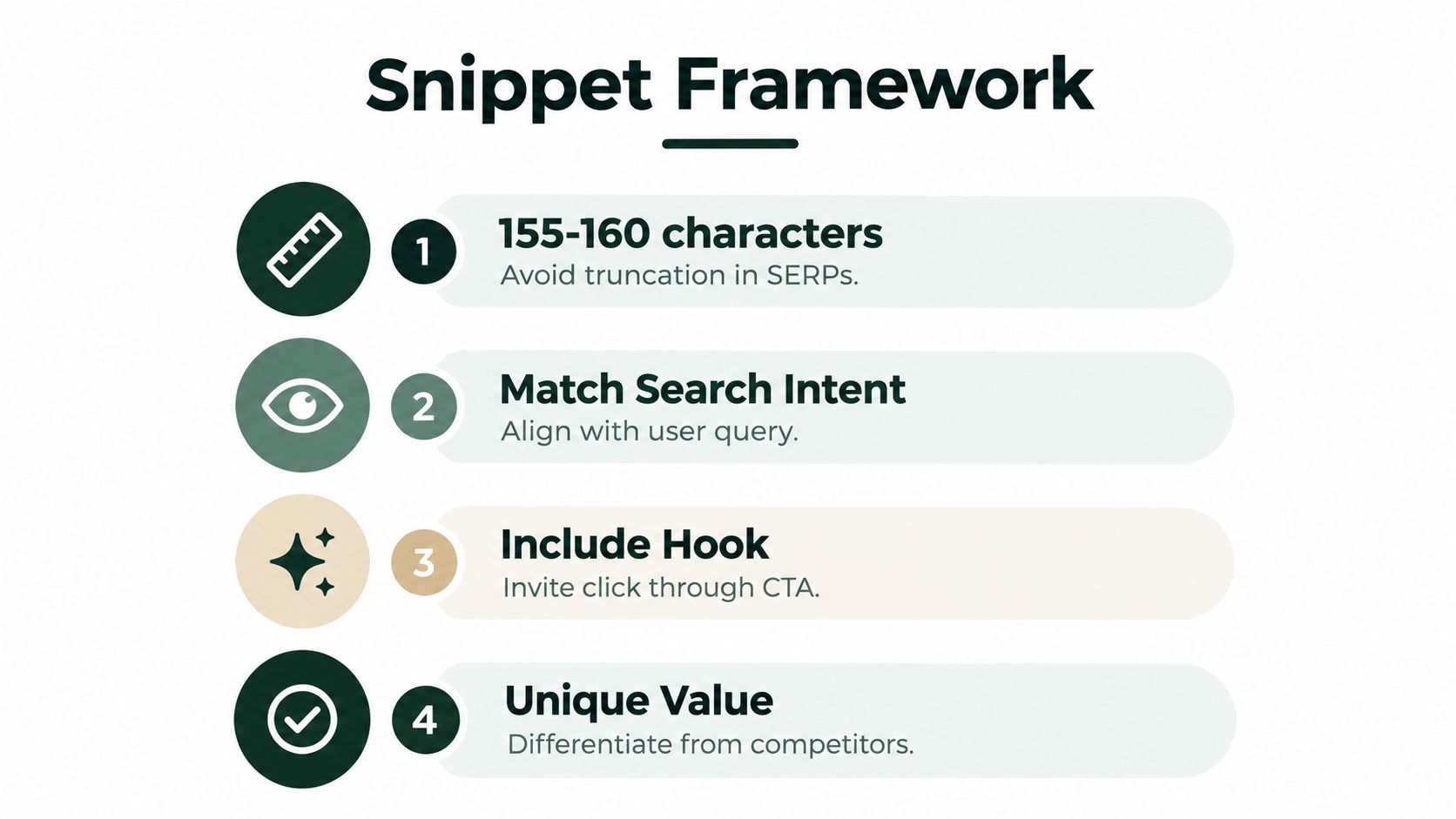
A reliable workflow for generating a meta description starts with the page, not a character counter. Extract the primary intent, identify the clearest benefit, and then write a compact sentence that accurately represents what the visitor will find.
Start with the page promise
Write down the page's answer in plain language before drafting. For a guide about generating meta descriptions, the promise might be “learn how to write descriptions that match intent and improve search presentation.” For a product page, it might be “compare a lightweight travel backpack with laptop storage and weather-resistant fabric.”
Put the main topic and benefit near the beginning. Front-loading helps readers understand the result quickly, especially when they scan several listings. It also gives Google clear language to draw from if it constructs a different snippet.
Use a practical length target
Many SEO teams target roughly 135 to 160 characters to reduce truncation risk, while keeping the copy concise and unique. This isn't a guarantee that Google will display the full text, because snippet width varies and rewrites remain common. Treat the range as an editing constraint, not an algorithmic requirement. The recommendation and its testing guidance are covered in this practical meta description guide.
A useful drafting sequence is:
- State the subject: Include the page topic in natural language.
- Add the benefit: Explain what the visitor will learn, compare, solve, or buy.
- Include a specific hook: Mention a distinguishing feature, audience, or outcome.
- Check the match: Confirm that the page delivers exactly what the description promises.
Avoid stuffing the target keyword into a sentence that sounds unnatural. Searchers respond to clarity, not to a phrase repeated for its own sake. A description that reads like a real explanation is more useful than one assembled from keyword fragments.
For a deeper workflow around consistent content production, see this SEO content template resource. Use the same discipline for metadata: define the page intent first, then create the copy.
A weak description usually isn't grammatically wrong. Its problem is that it could belong to almost any page. A strong version makes the page's subject and value obvious before the searcher opens it.

Weak:
“Learn more about SEO and improve your website with our helpful guide.”
Stronger:
“Learn how to generate meta descriptions that match search intent, reduce rewrite risk, and give readers a clear reason to click.”
The first version uses broad promotional language. It doesn't identify the topic or explain what the reader will leave with. The second names the subject, describes the practical value, and addresses a real concern for anyone managing snippets.
Example two, a product page
Weak:
“Shop our collection of premium travel backpacks. Free delivery available.”
Stronger:
“Shop weather-resistant travel backpacks with laptop storage, organized compartments, and carry-on-friendly designs.”
The weak version relies on “premium,” a claim that doesn't help a shopper compare products. The stronger version uses tangible attributes that can qualify the click. If free delivery is a genuine offer, it may still deserve inclusion, but it shouldn't replace the information that distinguishes the product.
Example three, a category page
Weak:
“Browse our latest products and find something you'll love.”
Stronger:
“Compare ergonomic office chairs with adjustable lumbar support, breathable materials, and designs for long work sessions.”
The improved version aligns with category intent. It tells the searcher what the collection contains and which selection criteria matter. It also gives Google several relevant phrases that may remain useful if the search query changes.
Use this test on every draft: could the sentence describe a competitor's page without any edits? If the answer is yes, add a page-specific detail. Then verify that the detail appears on the page and isn't merely an attractive promise.
Here is a short visual guide to the kind of transformation that matters in practice:
A call to action can help, but it should follow the value statement. “Explore the collection” is weak on its own. “Compare carry-on-friendly designs and choose the right storage layout” tells the searcher what action follows and why it matters.
Manual drafting works well when a site has a small number of important pages. It becomes harder to control when new products, articles, variants, and location pages accumulate. A spreadsheet can help with review, but it still leaves people switching between crawlers, keyword tools, content documents, and the CMS.
An automated workflow can begin with page data, search intent, and existing content, then produce a draft for human approval. The useful distinction is not whether a machine can generate a sentence. It is whether the workflow gives the sentence enough context and makes review easy before publication.
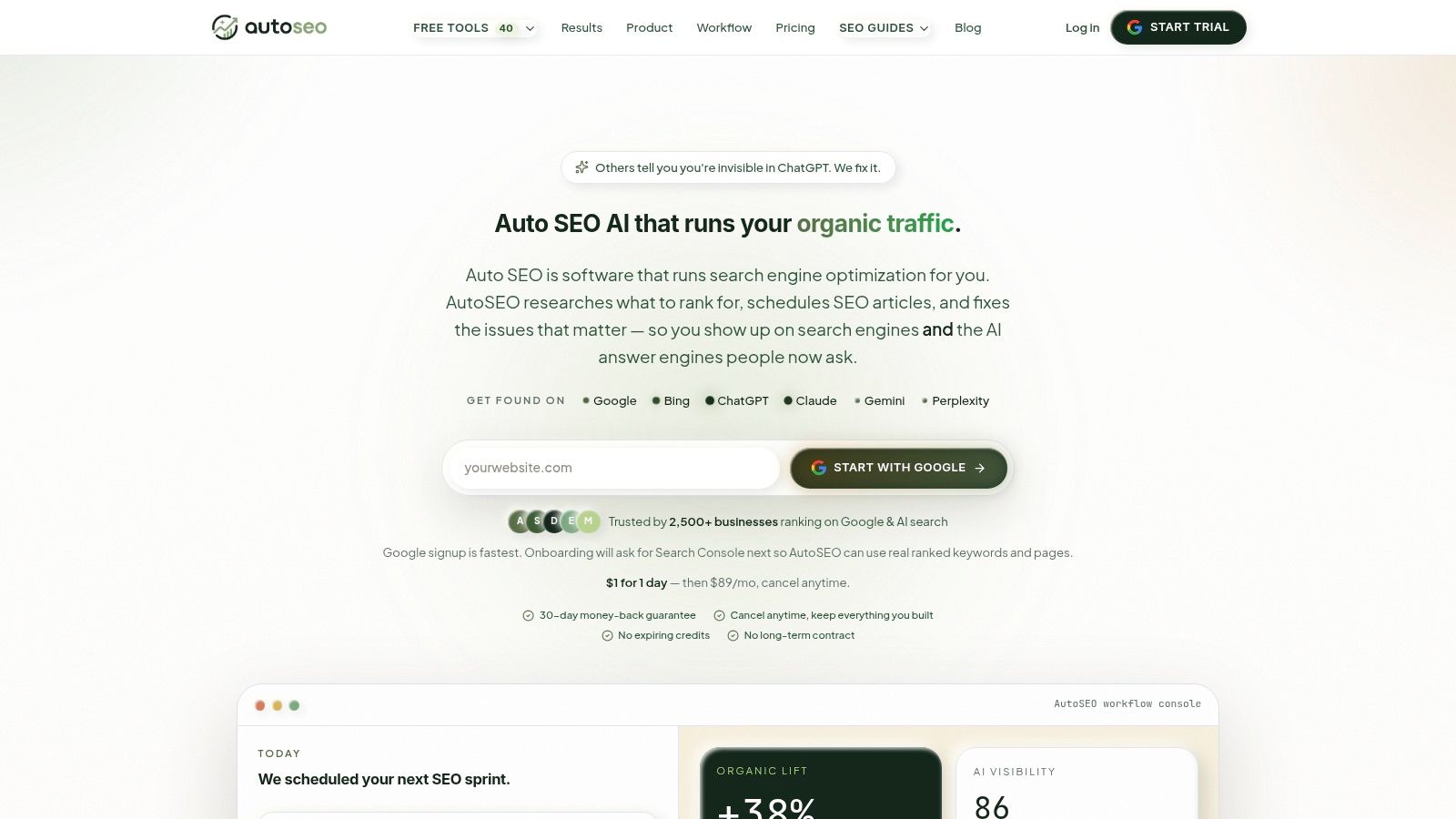
A connected platform can use Google Search Console data, sitemap information, competitor analysis, and demand signals to inform keyword and page priorities. It can also generate content briefs and SEO articles with metadata, internal links, and JSON-LD schema, rather than treating the description as an isolated field. That context improves consistency, although it doesn't remove the need to check whether each draft accurately describes its URL.
Manual control versus connected execution
With a manual process, an SEO manager may:
- Find missing fields: Crawl the site and identify URLs without descriptions.
- Draft variations: Write copy in a spreadsheet or document.
- Validate intent: Compare the draft with the page and target queries.
- Publish changes: Copy the final text into a CMS or SEO plugin.
- Measure outcomes: Review impressions, clicks, and CTR in search analytics.
A connected workflow can coordinate those steps and send approved updates to platforms such as Shopify, WordPress, Webflow, Wix, or a custom site through publishing integrations. It can also support technical audits, internal-linking reviews, rank tracking, and AI-visibility monitoring within the same operating environment. This overview of automated SEO platforms gives more context on how those workflows connect.
The best use of automation is not “generate everything and publish everything.” It is to surface gaps, create relevant first drafts, flag duplicates, and keep a human responsible for accuracy, brand language, and unusual pages. Automation removes repetitive handling. Review protects the result.
What Changes When AI Overviews Appear in Search
A conventional snippet strategy assumes the search result is the main gateway to an answer. AI Overviews challenge that assumption, especially for informational queries where a summary may address the question before the searcher evaluates individual organic listings.
Recent analysis reported organic CTR falling from about 1.41% to 0.64% when AI Overviews appeared for informational queries, and other reporting cited overall CTR declines of roughly 41% for queries that triggered them. These figures appear in this analysis of AI-generated snippets and meta descriptions. The figures shouldn't be treated as a universal forecast for every query or website, but they show why character-count optimization alone is too narrow.
Write for clarity beyond the blue link
When an AI summary answers a basic question, a searcher may click only when the source appears trustworthy, specific, or useful for the next step. Your page and metadata should make the entity, subject, and distinctive value clear.
For an informational page, that might mean naming the audience and the problem solved. For a commercial page, it could mean identifying the product type, use case, or comparison point. Avoid vague claims that make the page difficult to distinguish from a generated summary or a competing result.
Meta descriptions still have a role in that environment. Even when Google rewrites them, the authored text can reinforce the page's intended framing and provide concise language about the entity. It should support the page's visible headings, opening copy, structured data, and internal links rather than making a claim those elements don't support.
Teams that care about visibility across answer engines can also use AI visibility tracking tools to monitor how their content appears beyond traditional organic listings. The broader lesson is to measure the search journey, not just whether a description looks correct in a CMS.
Use this checklist before saving a new description or approving an automated draft:
- Match the URL's intent: Confirm the copy describes this page, not the brand in general.
- Lead with the topic: Put the main subject and practical benefit near the beginning.
- Stay concise: Use the roughly 135 to 160 character working range recommended in the linked guidance, while accepting that Google controls final display.
- Add specific value: Name a feature, audience, comparison point, or answer the page provides.
- Remove filler: Delete phrases such as “learn more,” “high quality,” and “best solutions” unless the surrounding copy makes them meaningful.
- Check uniqueness: Compare descriptions across similar URLs and replace duplicates with page-level details.
- Align the page: Make sure headings and visible content support the same promise.
- Review before publishing: Edit or reject automated drafts that sound inaccurate, generic, or off-brand.
- Measure changes: Compare clicks, impressions, and CTR before and after updating a description, keeping the query set as stable as practical.
A good description is not a guarantee of a click or a promise that Google will use your wording. It is a precise signal that helps searchers and search engines understand what makes the page relevant.
AutoSEO can help you find missing metadata, generate page-level descriptions, connect them with content and publishing workflows, and keep human approval in the loop. Visit AutoSEO to review how it can support your site's metadata workflow at scale.