A migration goes live, then organic traffic drops. The team needs to know whether pages are blocked, templates are slow, canonicals are broken, or redirects lead to the wrong destinations. A crawl report and a speed test may both show problems, but they measure different things.
That distinction matters when choosing technical SEO tools. A crawler reports what it can reach, a lab test measures a simulated page load, and Google Search Console provides evidence about Google's handling of a site. Their findings can differ because each tool observes a different part of the system.
This list maps ten tools to the diagnostic question they answer best: crawl coverage, indexing evidence, page speed, bot behavior, or ongoing monitoring. It also notes where results need context or expert interpretation. The goal is to build a repeatable workflow, not to pick a winner by feature count. Diagnose the issue first, then use a platform such as AutoSEO where ongoing monitoring or implementation support fits the work.
Mobile rendering is part of that diagnosis. Google's indexing systems primarily use the mobile version of a site's content, so check that mobile Googlebot can access the same content, metadata, structured data, and internal links as desktop. The mobile-first indexing and Core Web Vitals timeline covers Core Web Vitals, not Google's indexing rollout dates, so it does not substantiate a timeline for that rollout.
Table of Contents
1. Screaming Frog SEO Spider
Diagnostic question: which URLs can the crawler reach, what do they contain, and where do their links lead? Screaming Frog SEO Spider is a desktop crawler used by technical SEOs who need raw crawl data for tasks such as migration checks and canonical audits.
It identifies broken links, redirect chains, duplicate pages, and title or meta description issues. The software also supports JavaScript rendering, structured data checks, crawl comparisons, custom extraction, and integrations with Google Analytics, Search Console, and PageSpeed Insights. Crawl results can be used to generate XML sitemaps and site structure visualisations.
Where it earns its keep
Control is its strength. Configure the crawl, segment results by folder or template, and export the columns needed to investigate a specific issue. For a migration, compare crawls to find changed URLs and redirect problems. For a canonical audit, filter the relevant directives and inspect affected pages.
The trade-off is interpretation. Large exports can overwhelm beginners, and crawl speed depends on your computer's resources. The free version is limited to 500 URLs, with some advanced features excluded. Screaming Frog reports what its crawler could access, not what Google indexed, so use it to diagnose crawl coverage and check indexing evidence separately.
2. Sitebulb
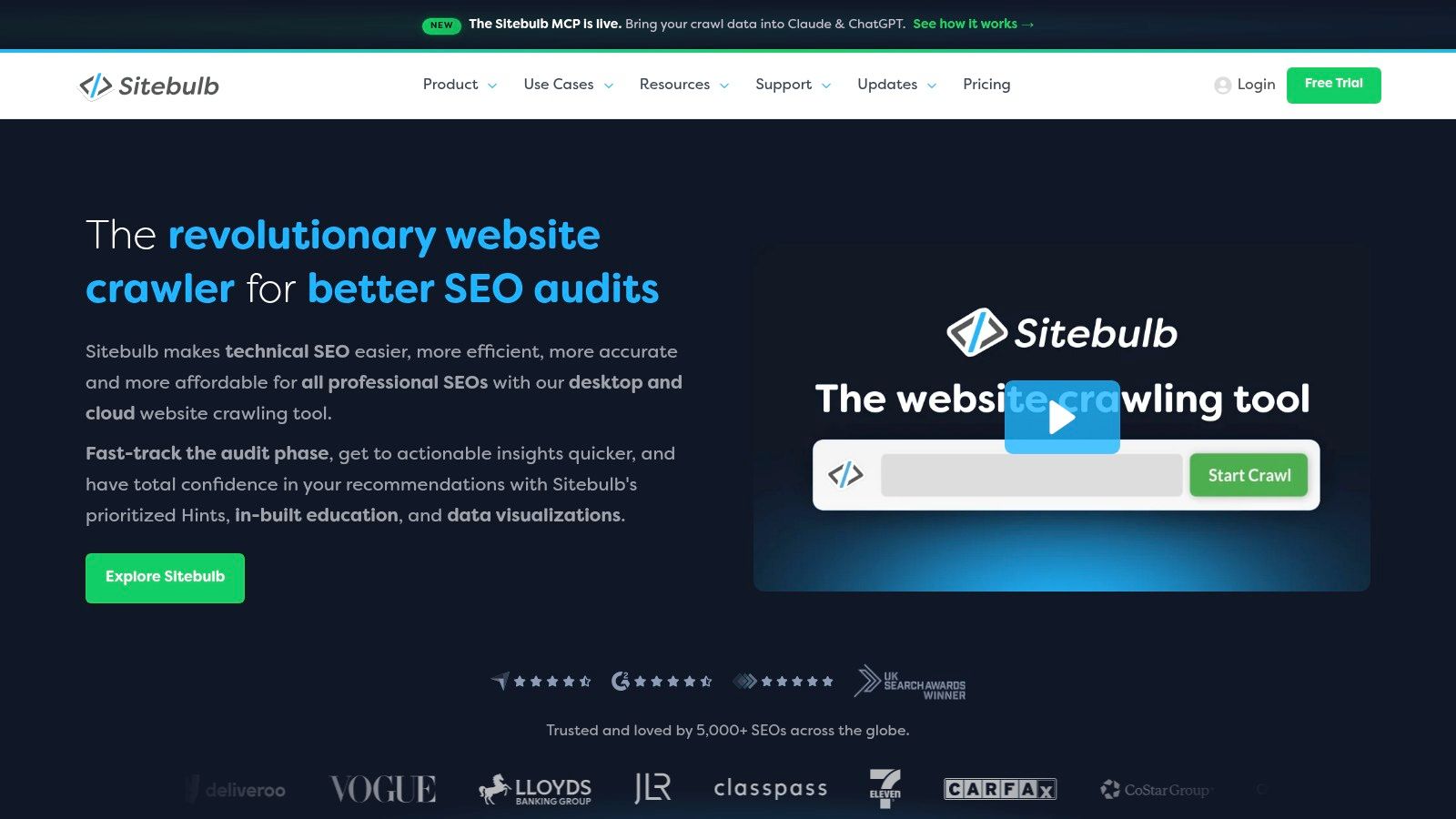
If Screaming Frog is the spreadsheet, Sitebulb is the explanation layer on top of similar crawl work. Its diagnostic question is which crawl findings matter most, and why, in language a developer or client can act on without you translating every row.
Sitebulb reports on more than 300 SEO issues as prioritized Hints, with reasoning attached to each one. It runs in desktop and cloud versions, includes JavaScript crawling without an extra charge, and produces crawl visualizations plus customized PDF reports for stakeholders.
- Prioritized Hints: Issues arrive ranked, so a broken canonical doesn't sit beside a minor image note.
- Visual reports: Charts and crawl maps make site architecture problems obvious in a meeting.
- Cloud option: Larger crawls and team collaboration stop depending on one laptop.
Desktop crawling still depends on local machine capacity, and this isn't a keyword research suite. Cloud pricing may exceed what a small site needs. Pick it when communication is your bottleneck, not data access.
3. Semrush Site Audit
Semrush Site Audit answers a different question. Can one platform handle recurring site health checks alongside keyword research, competitor analysis, and rank tracking for a marketing team that doesn't live in crawl exports?
It checks for broken links, duplicate content, HTTPS problems, and hreflang errors, then groups findings by topic and severity. Scheduled audits and progress monitoring let you watch whether a fix held after a release. Recent additions include checks related to AI crawler accessibility, which you should validate before acting on.
If you want the audit fundamentals behind that grouping, start by understanding what an SEO audit actually covers before you treat any severity label as a ranking verdict.
An audit warning is a hypothesis, not a diagnosis. Confirm it against indexed URLs and search performance before you book engineering time.
The platform is broader than many teams need. If you only want a crawler, you're paying for a suite, and crawl allowances depend on your plan, which can constrain larger sites. Recurring monitoring is the strength here, not forensic depth.
4. Ahrefs Site Audit
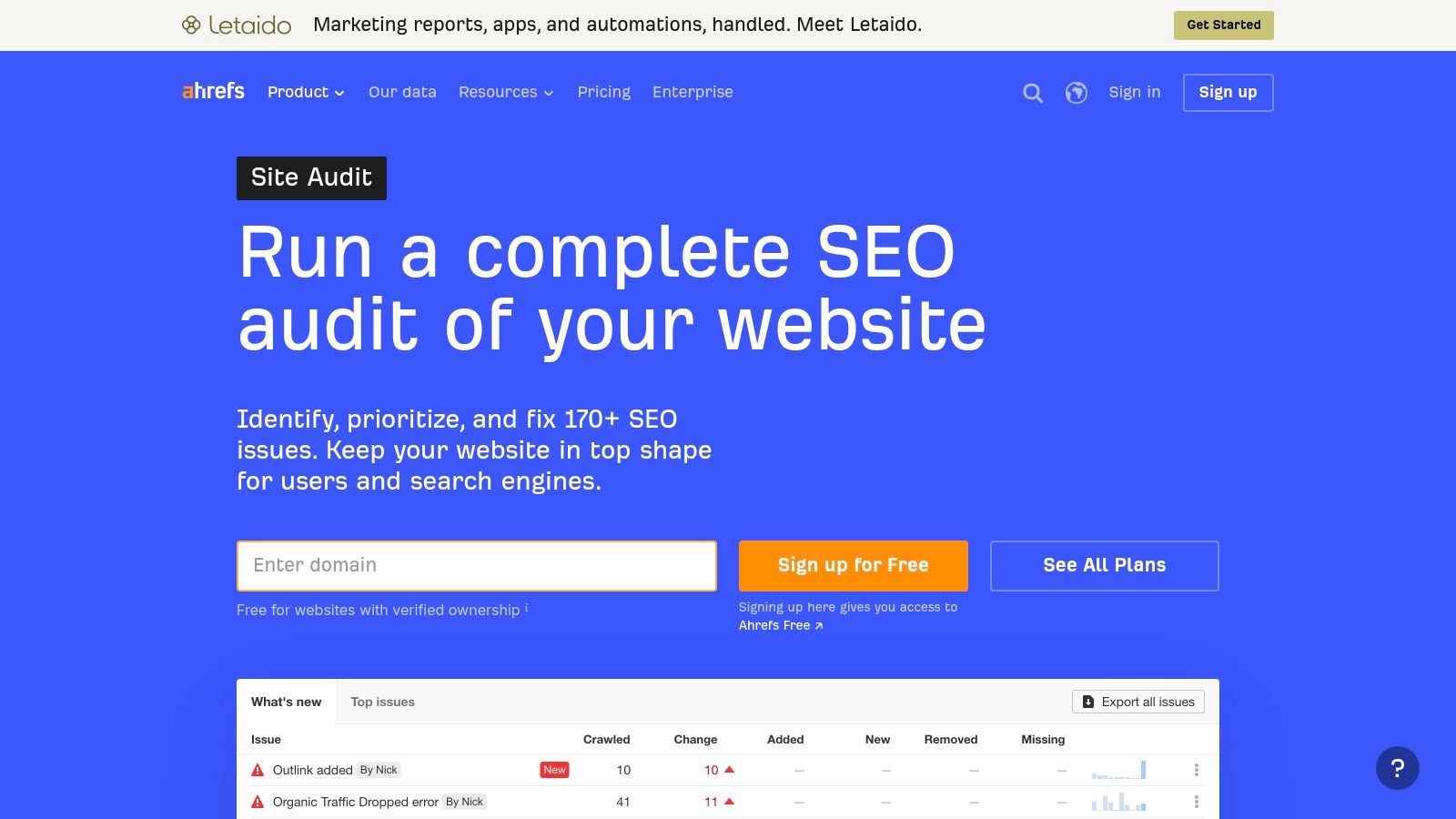
Teams already using Ahrefs for backlinks often don't need another vendor for basic technical monitoring. Ahrefs Site Audit answers whether technical and on-page issues are showing up across pages you also evaluate for links, keywords, and rankings.
It reports issues across crawled pages, keeps crawl history, and surfaces site health reporting over time. Verified owners can audit their own sites through Ahrefs Webmaster Tools with usage limits, which gives small operators a free entry point.
When it fits and when it doesn't
The fit is strongest when you want technical findings beside backlink and competitor data in one place. A page with strong links and a broken canonical deserves faster attention than an orphaned archive page with the same error. That context is hard to rebuild from a standalone export.
Free access is limited to verified sites, and the broader paid suite is costly if audits are your only job. Crawl findings still need technical diagnosis. Ahrefs flags the symptom, it doesn't tell you whether your template, plugin, or server rule caused it.
5. Google Search Console
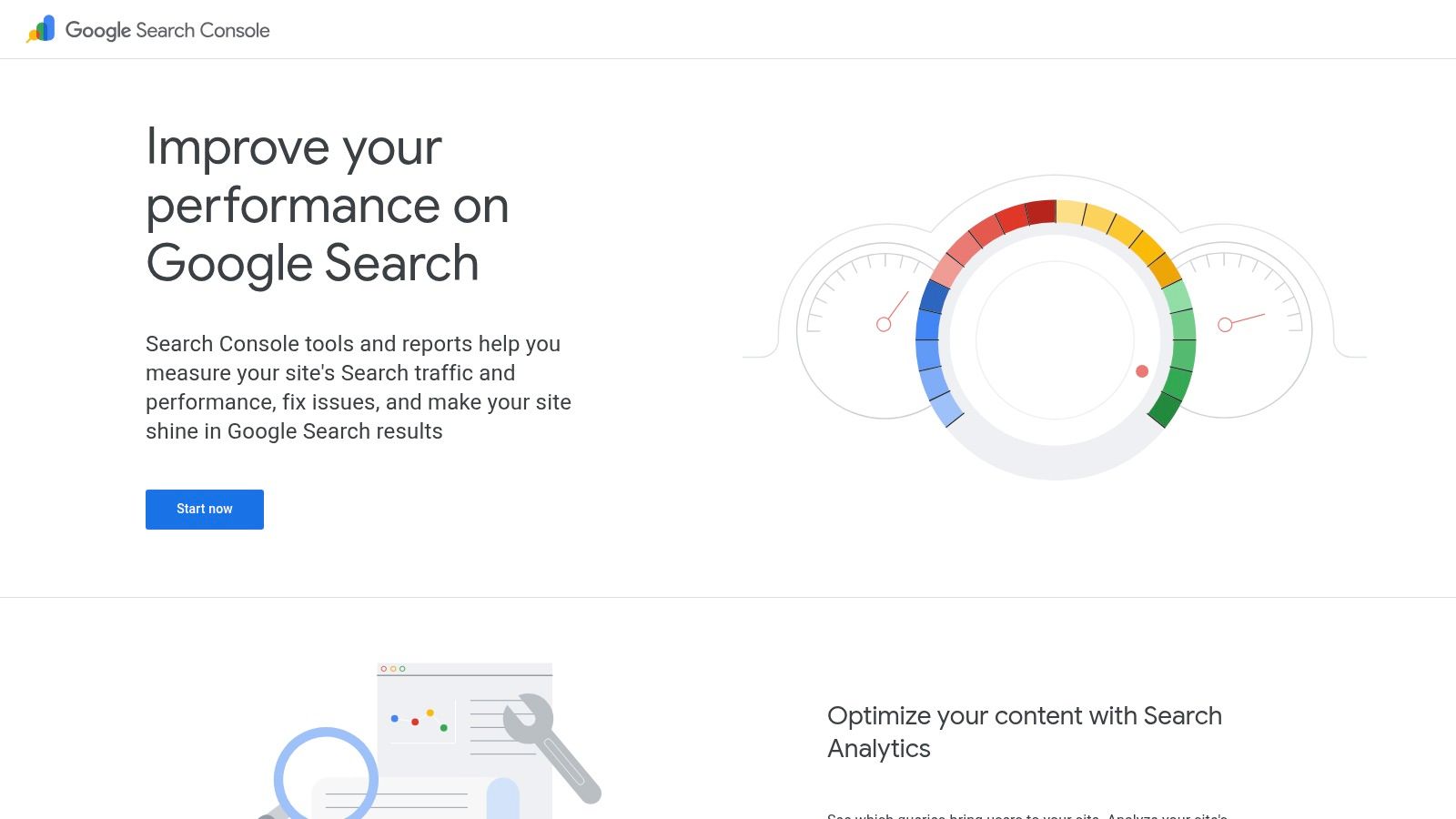
Every other tool on this list simulates or infers. Google Search Console reports. Its diagnostic question is what Google indexed, excluded, and showed for your verified site, and it's the evidence you check your crawler against.
Use URL Inspection for individual pages when a key URL won't index or shows a different canonical than you declared. Use the indexing and performance reports for clicks, impressions, and queries, and the Core Web Vitals report for grouped page experience problems. Keeping your sitemaps clean matters here, so it's worth getting your sitemaps submitted and structured correctly before you blame crawling.
- First-party evidence: Indexing status comes from Google, not from a third-party guess.
- Free monitoring: Ongoing coverage and performance data cost nothing beyond verification.
Search Console only covers Google, doesn't crawl your whole site on demand, and aggregates or samples data in places, so you'll miss URL-level detail. Pair it with a crawler, don't replace one with it.
6. Google PageSpeed Insights
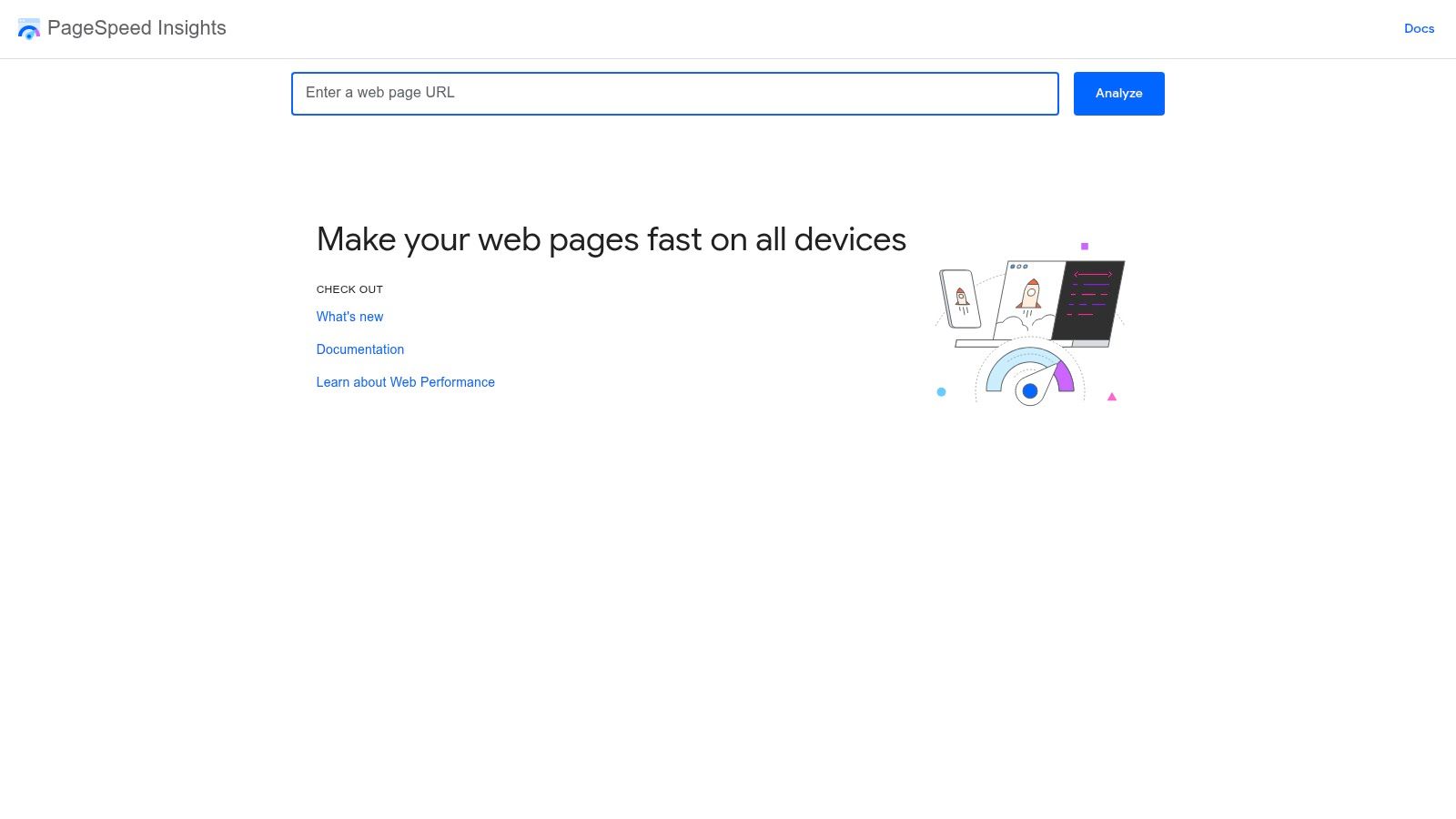
Speed questions need their own tool because crawlers mostly guess at them. Google PageSpeed Insights answers how a single URL loads, responds, and holds still, on mobile and desktop separately.
It combines Lighthouse lab diagnostics with real-user Core Web Vitals field data when that data is available. The distinction matters. A page passes only when at least 75% of real-user visits achieve good ratings for all three metrics, with thresholds of LCP at or below 2.5 seconds, INP at or below 200 milliseconds, and CLS at or below 0.1, as set out in the Core Web Vitals passage benchmark based on field data. If you're working through fixes, this walkthrough on improving Core Web Vitals covers the sequence.
It's free, needs no suite, and gives developers specific resources to investigate. But it tests one page at a time, a lab score isn't real-world performance, and recommendations vary widely in business impact. Sample your key templates, not random URLs.
7. JetOctopus
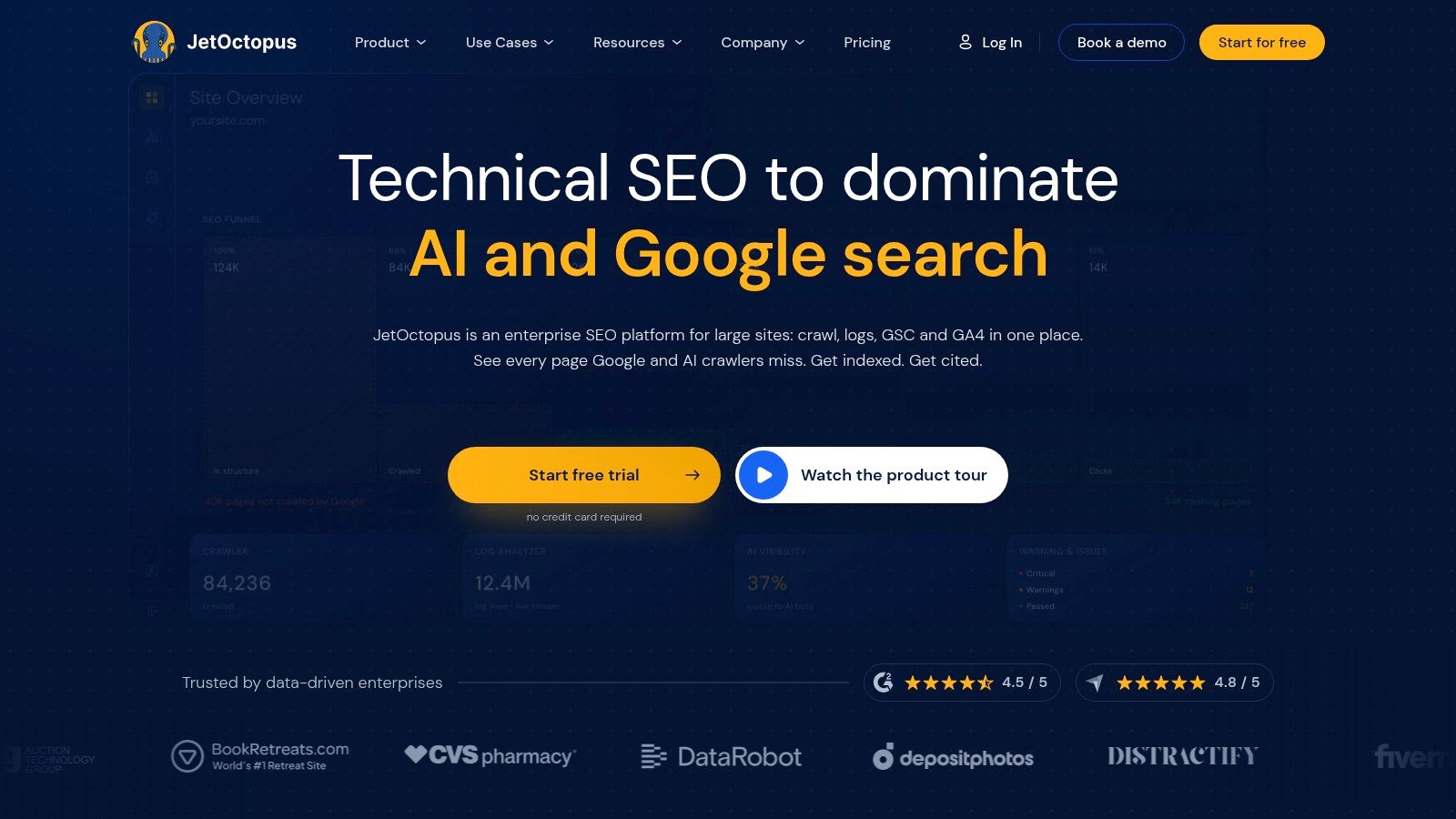
Crawlers tell you what a bot could do. Logs tell you what bots did. JetOctopus exists for that gap, combining cloud crawling with server log analysis so you can compare your site structure against actual search bot activity.
It handles JavaScript rendering in the cloud, integrates with Search Console and Google Analytics, and offers crawl comparisons, segmentation, and alerts. That combination helps you spot pages that are linked and indexable yet rarely visited, or crawl budget burned on faceted URLs you don't care about.
Cloud processing removes the local machine ceiling that limits desktop crawlers on large sites. Pricing and plan limits are published for initial evaluation, which helps when you're comparing enterprise tools that hide both.
The flip side is cost and complexity. Paid plans can be expensive for smaller sites, the feature set exceeds occasional audit needs, and log analysis only pays off if someone on the team can interpret bot behaviour correctly. Don't buy logs until crawl data stops explaining your problem.
8. Lumar
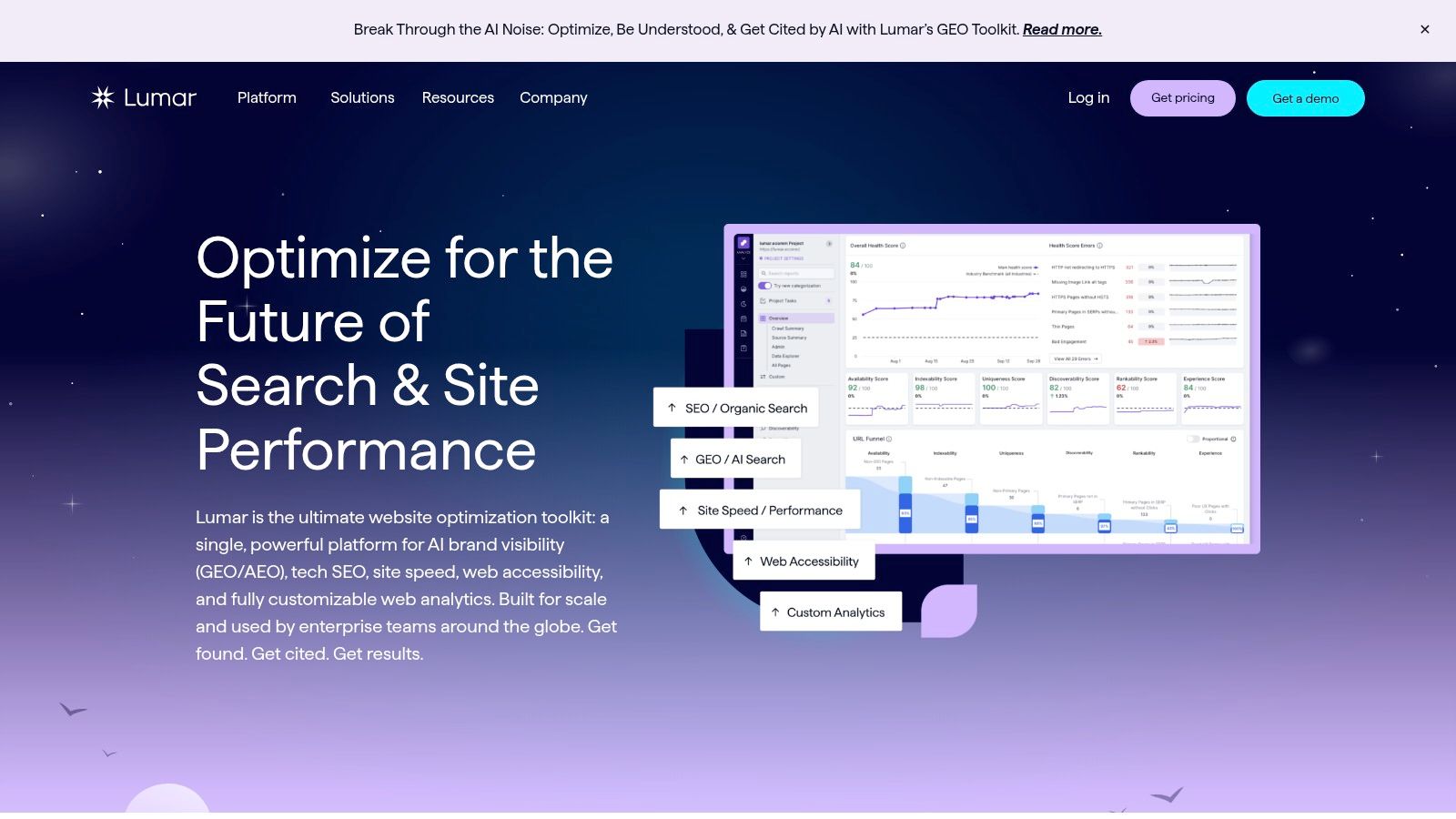
Some sites don't need a deeper crawl, they need someone watching continuously. Lumar is a cloud website intelligence platform built for recurring monitoring across multiple domains or large site sections, with configurable crawls and alerts when something changes.
It analyzes technical SEO, site speed, accessibility, and custom metrics, supports crawl segmentation and configurable user agents, and offers automated QA for tracking site changes. That QA angle matters for teams shipping frequently, where a template release can break canonicals or structured data overnight without anyone noticing.
Practical rule: Monitoring earns its cost when your site changes faster than your audit schedule. Static sites rarely need it.
Coverage of accessibility and performance alongside SEO checks suits cross-functional teams, and the cloud architecture handles scale that desktop tools can't. Pricing is quote-based, however, so you must clarify included modules, crawl volumes, and support before signing. For small sites or infrequent audits, it's excessive.
9. Botify
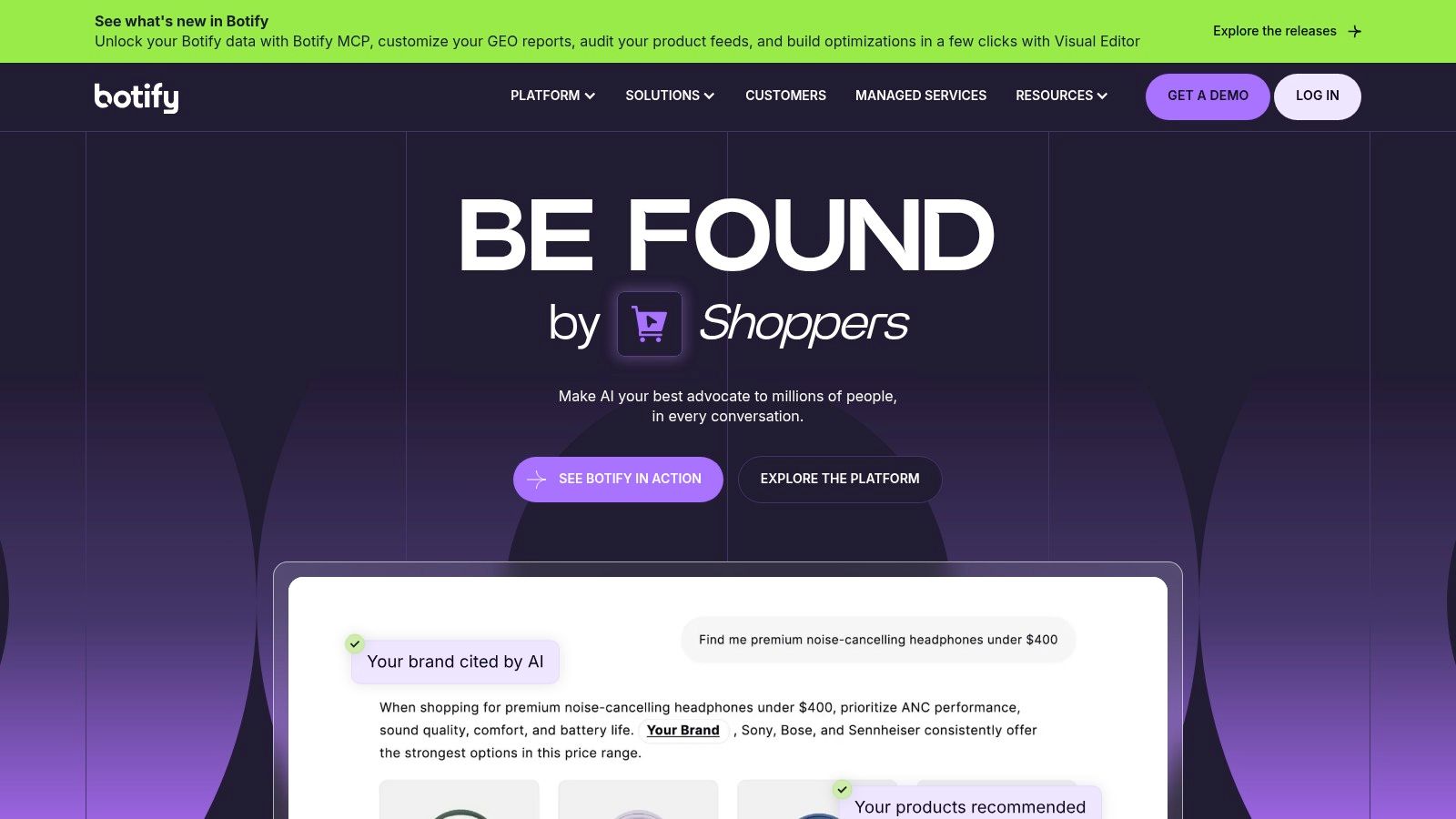
At enterprise scale, the hard question isn't whether errors exist, it's how structure, bot behaviour, and search performance connect across a huge URL inventory. Botify is built for that investigation.
Its SiteCrawler audits structure, content, links, and technical signals, while LogAnalyzer reports search engine bot interactions from server logs. Integrations with Search Console and analytics let you analyze findings at URL and segment level, and compare crawls over time to see whether a release changed bot behaviour.
Who actually needs this
Large ecommerce, marketplace, and publisher sites where crawl waste, orphaned inventory, and indexation gaps carry real revenue cost. Log evidence settles arguments that crawl data alone can't, for example whether Googlebot ever reaches your long tail product pages.
The enterprise scope won't suit smaller sites or lean teams, pricing is quote-based, and interpreting combined log and crawl data requires genuine technical expertise. Without that expertise, you own expensive charts nobody acts on.
10. AutoSEO
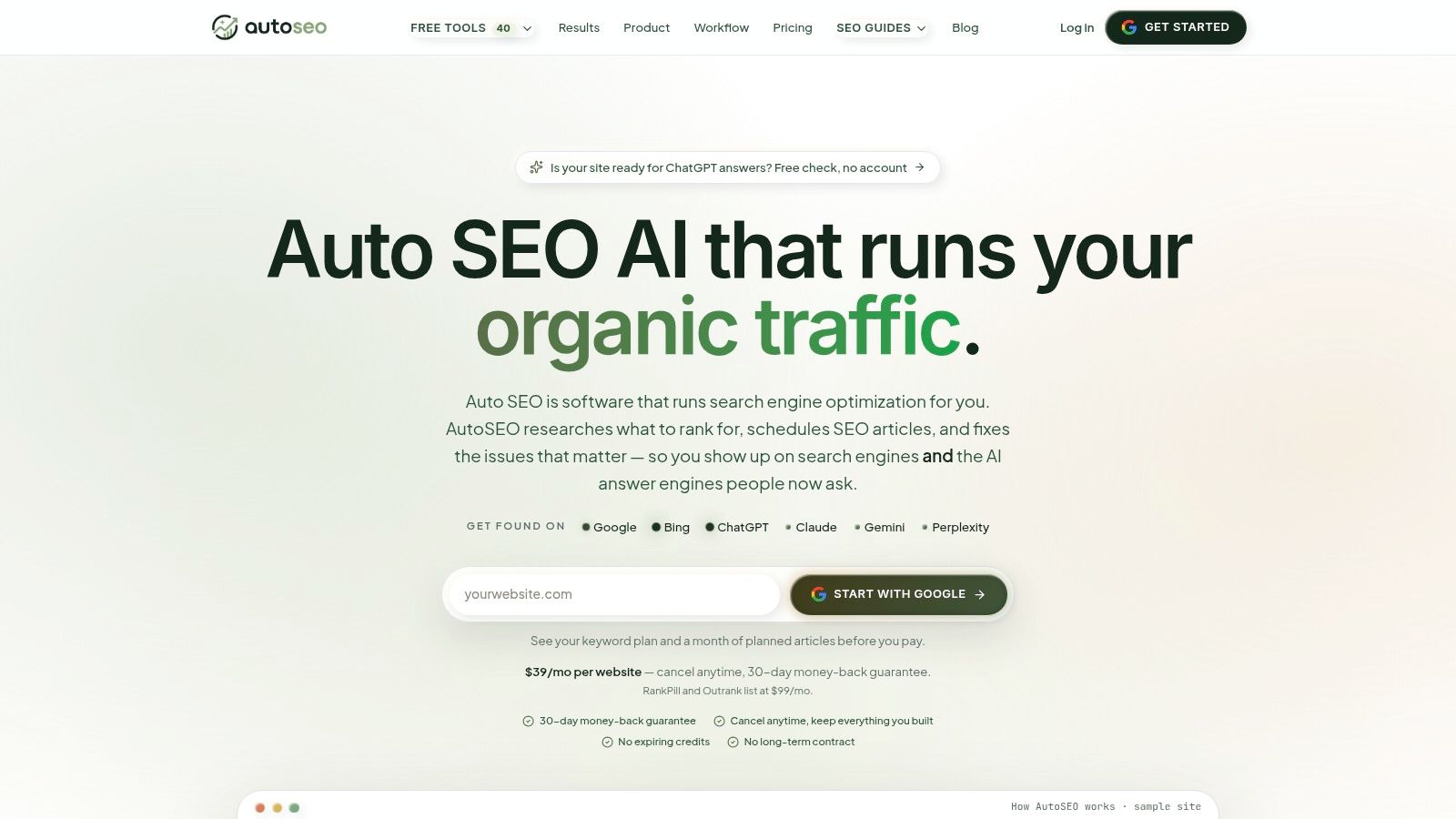
Diagnosis isn't where most small teams get stuck. Implementation is. AutoSEO, developed by Stackvian LLC, sits after the diagnostic tools above, combining technical audit tasks with keyword research, AI-assisted content, CMS publishing, and performance monitoring in one workflow.
Its technical audit task queue covers indexation, redirects, metadata, schema, speed, and internal links. Keyword planning draws on Search Console, sitemap data, competitor analysis, and DataForSEO signals, while content briefs and articles come with metadata, internal links, and JSON-LD schema. Publishing integrations cover Shopify, WordPress, Webflow, and Wix, with tracking for rankings, traffic, and AI search visibility.
The appeal is fewer handoffs for teams without in-house specialists, with approval-first processes before changes go live. That review step matters, because automation suggestions still need checking.
It isn't a replacement for a dedicated crawler when you need deep exports or log file analysis, and public pricing and independent reputation information weren't verified in the sources reviewed. Use it to execute confirmed fixes, not to replace diagnosis.
| Item |
Best For |
Free Access |
Pricing Model |
Main Limitation |
| Screaming Frog SEO Spider |
Detailed, configurable technical crawls |
Free version for up to 500 URLs |
Free tier; paid license |
Desktop resource use; free crawl and features are limited |
| Sitebulb |
Prioritized audits and shareable visual reports |
Not specified |
Desktop and cloud options; cloud may be costly for small sites |
Focuses on crawling and audits, not keyword research |
| Semrush Site Audit |
Teams combining audits with broader SEO workflows |
Entry points for small sites |
Plan-based, with crawl limits |
Broader platform may be unnecessary for crawler-only needs |
| Ahrefs Site Audit |
Ahrefs users and verified-site owners |
Limited audits for verified sites through Webmaster Tools |
Free limited access; paid suite |
Free access is restricted; paid suite may be costly for audits alone |
| Google Search Console |
Monitoring Google indexing and search performance |
Free |
Free |
Not a full-site crawler |
| Google PageSpeed Insights |
Performance checks on individual pages |
Free |
Free |
Tests individual URLs, not entire sites |
| JetOctopus |
Cloud crawling and log-file analysis |
Initial evaluation options noted |
Paid plans with limits |
Can be costly and complex for occasional audits |
| Lumar |
Large sites needing recurring technical monitoring |
Not specified |
Quote-based |
May be excessive for small sites; pricing requires clarification |
| Botify |
Large-scale SEO and search-bot analysis |
Not specified |
Quote-based |
Enterprise-oriented and may require technical expertise |
| AutoSEO |
Teams seeking an integrated SEO workflow from audits to publishing and measurement |
Not specified |
Public pricing not verified |
Not a substitute for deep crawling or log-file analysis |
Build Your Stack Around Diagnostic Questions
A crawler reports that a template has thin internal links, but it cannot confirm whether Google indexed the affected pages. Search Console can show indexing evidence, but it does not map the site's links. PageSpeed Insights tests page performance, yet a lab result alone cannot show how visitors experience every template. Choose tools by the question each one can answer, not by feature count.
Use one crawler for the initial audit. Screaming Frog offers direct control over crawl settings; Sitebulb adds prioritization and reporting. Ahrefs or Semrush audits can suit teams already using those platforms. Match the output to the people who need to act on it. An export no one can interpret will not fix the site.
Check the crawler's findings against Google's own reporting. Search Console helps verify whether priority pages are indexed and eligible to appear in Search. PageSpeed Insights provides performance evidence for key URLs. For prioritization, look for shared template causes: a slow component affecting a high-traffic mobile template may justify attention before scattered warnings on low-value pages. The 2025 Web Almanac findings on Core Web Vitals pass rates report that 48% of mobile sites and 56% of desktop sites pass all three Core Web Vitals. That pass-rate measure gives context for performance work, while your own template data should determine what to fix first.
Bring in log analysis when crawl reports leave bot behavior unexplained. If pages are indexable and internally linked but still receive little attention from search bots, JetOctopus or Botify can help establish whether bots reach them. For frequently changing sites across many domains, Lumar-style monitoring can flag regressions between audits. Smaller sites can usually begin with a crawler and Search Console, then add log analysis or monitoring when a specific question remains unanswered.
Treat AI visibility as a diagnosis problem, not a markup project. Google says AI Overviews and AI Mode use the same foundational requirements as conventional Search. It does not require additional AI-specific technical requirements, text files, or special markup, according to Google's documentation on AI features and your website. If a page is absent from AI answers, check crawlability, indexation, snippet eligibility, and internal links before creating new files.
Once a cause is confirmed, move the fix into a reviewed workflow. Use engineering tickets, a CMS change process, or an automated platform such as AutoSEO to turn findings into approved tasks, published updates, and tracked outcomes. Recrawl after deployment, check Search Console for indexing, and wait for field data before calling a speed improvement successful.
Start with the diagnostic question your site cannot answer. Add the smallest set of technical SEO tools that can answer it, then verify the result with a different data source. Expand the stack only when a real diagnostic gap remains.
If audits keep producing findings your team cannot implement, AutoSEO can organize issues covering indexation, redirects, schema, speed, and internal links into an approval-first task queue tied to publishing and measurement. Use it to manage confirmed fixes, while relying on a crawler and Search Console to establish the diagnosis.