You're probably looking at a page draft, a product template, or a blog post in your CMS and asking the same question I hear from junior marketers all the time: is JSON-LD schema markup worth the effort, or is it just another SEO checkbox?
That's a fair question. Schema has been oversold for years. People talk about it like flipping it on will make rankings jump overnight. It won't. But dismissing it is a mistake too, because structured data still does three useful jobs when it's implemented well: it helps pages qualify for certain rich results, gives search engines cleaner entity information, and makes your content easier for machines to interpret.
The catch is that not all schema types carry the same weight, especially now that teams care about AI search, citations, and entity visibility as much as blue links. That's where most advice gets fuzzy. This guide stays grounded in what Google recommends, how JSON-LD works technically, and which schema types are worth your time first.
Table of Contents
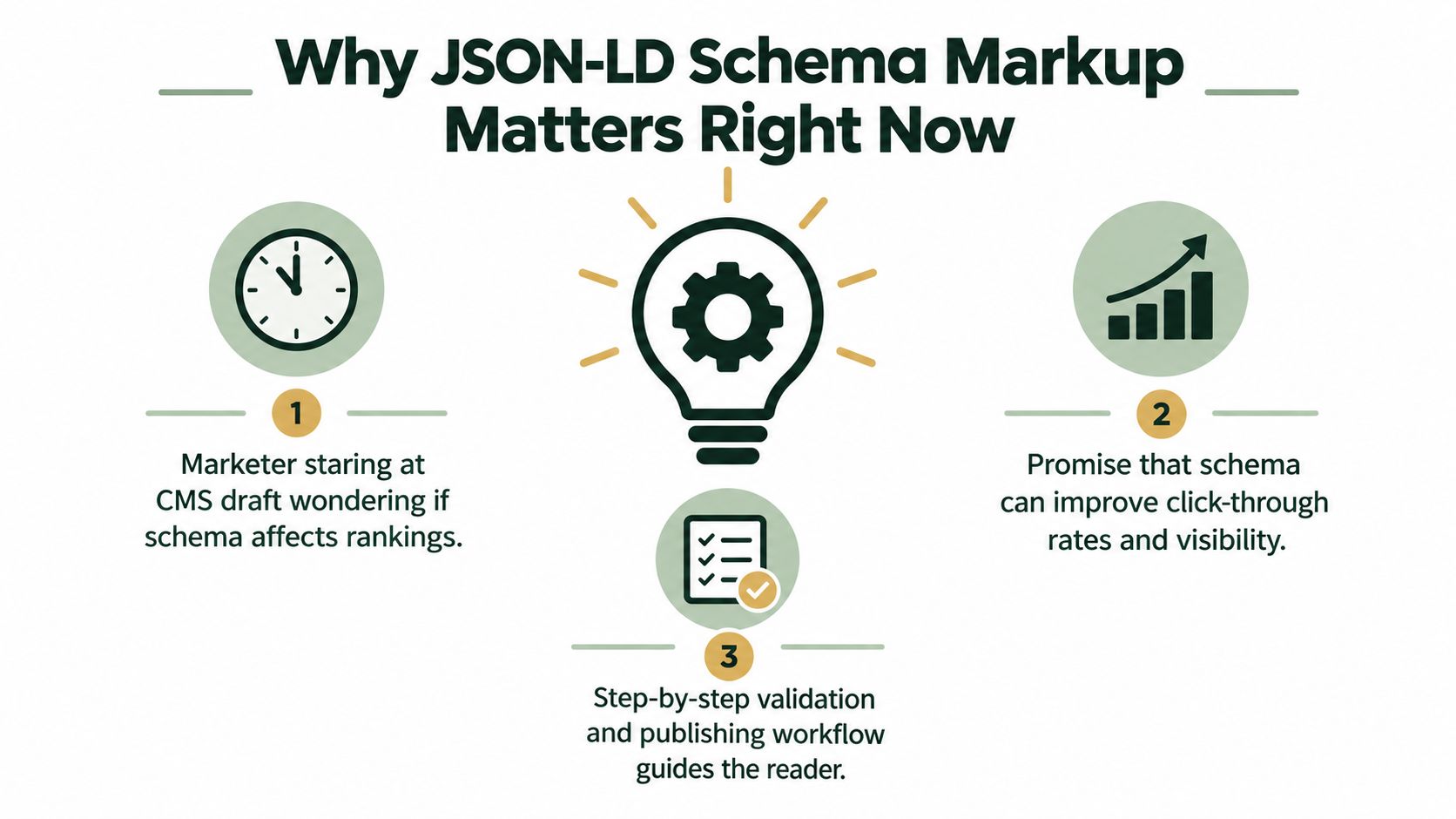
Why JSON-LD Schema Markup Matters Right Now
It's late, the page is ready, and someone on your team says, “Should we add schema before publishing?” At that moment, what you need isn't folklore. You need a practical answer.
The practical answer is this: JSON-LD schema markup matters because it helps machines read your page with less guesswork. That can affect whether a page is eligible for certain search features, how clearly an entity is described, and whether your structured information is easier to connect across your site.
What it can influence today
A clean JSON-LD setup can support a few concrete outcomes:
- Rich result eligibility: Google's documentation says JSON-LD is the recommended structured-data format for supported search features, and it can be placed in the head or body, including when added dynamically by JavaScript or CMS widgets, according to Google's structured data policies.
- Clearer entity labeling: You can tell machines, “this is a Product,” “this is an Article,” or “this is our Organization,” instead of forcing them to infer everything from visible copy.
- Better machine readability: Nested relationships, such as an event tied to a venue and address, are easier to express in JSON-LD than in markup woven through visible HTML.
What it cannot fix
Schema is not a shortcut for weak SEO fundamentals. If the page is thin, misleading, duplicated, or badly structured, schema won't rescue it.
Practical rule: Use schema to clarify content you already have. Don't use it to claim facts the page doesn't support.
That matters even more in the AI-search era. Businesses want schema to act like an AI citation trigger, but that's not the clearest benefit. The strongest case for JSON-LD remains machine readability and search-feature eligibility. Later, I'll separate the schema types that seem more useful from the ones that often amount to decoration.
Four schema types deserve first attention: Article, Product, FAQPage, and Organization. Those are the ones I'd teach a junior marketer to recognize and a developer to implement carefully.
What JSON-LD Actually Is and How It Works
If a webpage is a menu written in a language the waiter only partly understands, JSON-LD is the card that lists each dish in a predictable format. Instead of guessing what's a product name, what's a price, or who wrote the article, a crawler gets labeled fields.
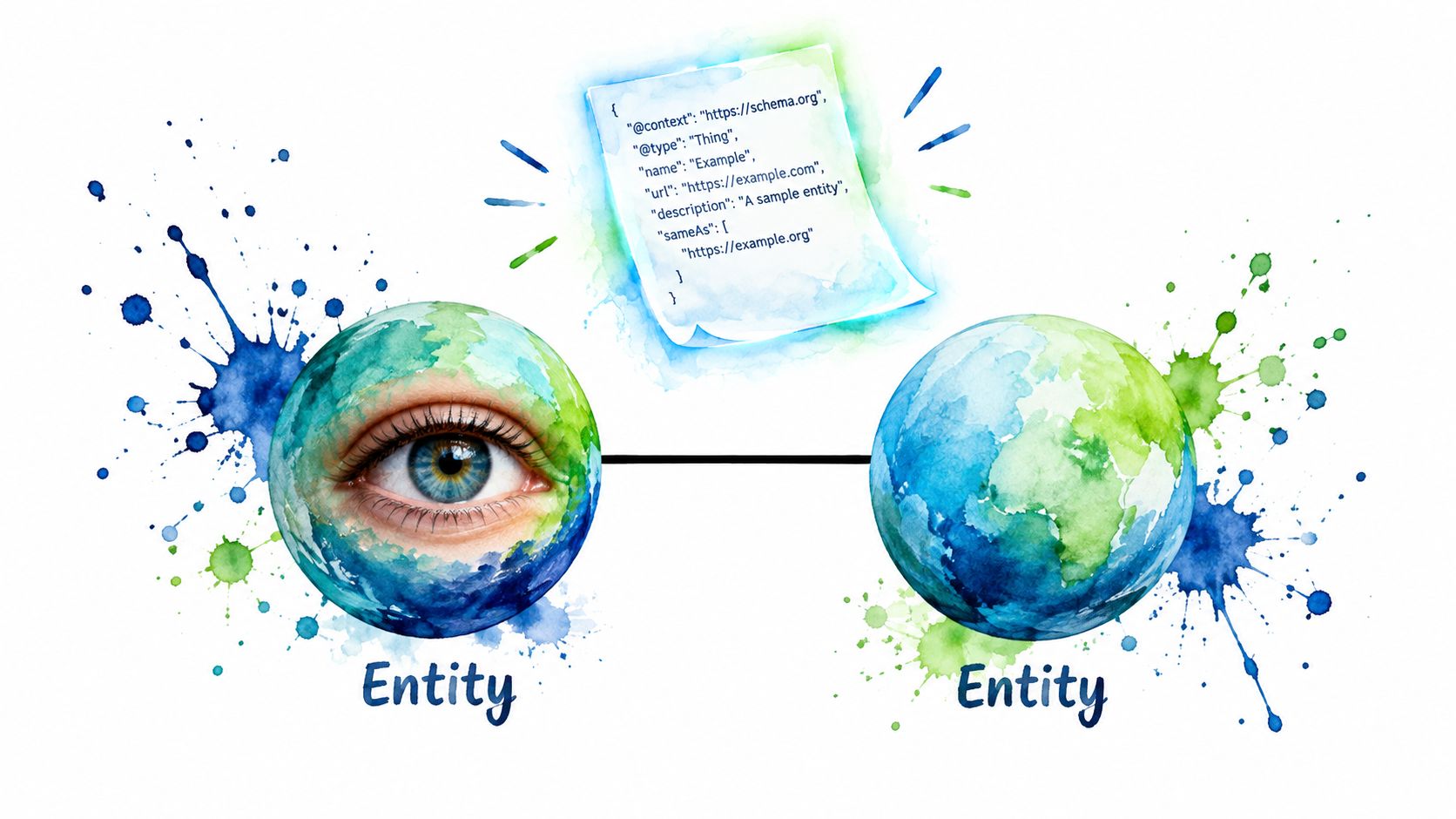
JSON-LD stands for JavaScript Object Notation for Linked Data. The JSON-LD specification describes it as a lightweight syntax for serializing Linked Data in JSON, with related specifications for syntax, API behavior, framing, and RDF transformation, as outlined on the JSON-LD specification site. That's the standards way to say something simple: it's structured data written in JSON so machines can understand entities and relationships.
The script-tag mental model
Most JSON-LD schema markup lives inside a script tag like this:
<script type="application/ld+json">
{
  "@context": "https://schema.org",
  "@type": "Organization",
  "name": "Northwind Analytics"
}
</script>
A few important details matter here:
@context tells parsers which vocabulary you're using. Usually that's Schema.org.@type declares what the thing is.- Properties such as
name, url, logo, or author attach facts to that thing.
Users don't see this block on the page. It doesn't change layout, font size, or design. Crawlers read it as machine-readable metadata.
Why teams prefer it
This separation from visible HTML is why developers and SEO teams usually prefer JSON-LD over HTML-embedded alternatives. You can update design without ripping through structured data attributes. Editors can revise copy without touching the schema block. Developers can generate it from a template, a CMS field group, or a product feed.
Here's a slightly richer example for a blog post:
<script type="application/ld+json">
{
  "@context": "https://schema.org",
  "@type": "Article",
  "headline": "How to Choose a B2B SEO Reporting Setup",
  "author": {
    "@type": "Person",
    "name": "Maya Chen"
  },
  "datePublished": "2026-09-20"
}
</script>
Think of JSON-LD as a structured label, not a ranking spell. Its job is clarity.
Where readers often get confused is the difference between Schema.org and JSON-LD. Schema.org is the vocabulary. JSON-LD is one format for expressing that vocabulary. That distinction matters, because you can have valid schema concepts expressed in different markup formats. Google prefers JSON-LD for most supported use cases.
The Standards Behind the Syntax
JSON-LD didn't appear out of nowhere, and Schema.org isn't a Google-only system. That history explains why JSON-LD schema markup feels stable instead of trendy.
Schema.org launched on 2 June 2011 through a collaboration among Google, Microsoft, and Yahoo, with Yandex joining in November 2011, establishing a shared vocabulary for structured data across major search providers, as summarized in this Schema.org history overview. That was a big shift. Structured data stopped looking like a single-platform trick and started looking like web infrastructure.
This is the clean way to consider it.
- Schema.org is the shared dictionary.
- JSON-LD, Microdata, and RDFa are ways to write that dictionary into a page.
- Google supports all three, but recommends JSON-LD.
Google's preference isn't arbitrary. JSON-LD sits in a script block, so it's easier to generate and maintain, especially when you need nested entities.
| Format |
Google Preference |
Implementation Difficulty |
Separation from Visible HTML |
| JSON-LD |
Recommended |
Lower for most teams |
Yes |
| Microdata |
Supported |
Higher on complex templates |
No |
| RDFa |
Supported |
Higher for most marketers and developers |
No |
Why the standards story matters in practice
JSON-LD reached a formal standards milestone on 16 January 2014, when JSON-LD 1.0 became a W3C Recommendation, and it was updated again on 16 July 2020 with JSON-LD 1.1 as a W3C Recommendation, according to the W3C JSON-LD 1.1 Recommendation. For a working SEO, the takeaway is straightforward: this format matured from a community approach into an official web standard over time.
That stability matters because teams build processes around it. A product manager can define fields. A CMS can store them. A developer can render the graph. Search systems can parse it consistently.
If you're choosing between weaving markup through HTML or keeping it in a script block, JSON-LD is usually easier to maintain and easier to debug.
There's one more practical limit to remember. Schema.org is broader than Google's rich-result support. You can mark up many things with Schema.org vocabulary, but Google only treats some of them as eligible for search features. That's why implementation priority matters more than completeness for completeness' sake.
The Four Schema Types Worth Implementing First
Don't start with twenty schema types on day one. Start with the few that align with actual page templates and search features.
If I were guiding a junior marketer and one developer, I'd start with Article, Product, FAQPage, and Organization. If your team also works on local search, the structured data guide by Netco Design is a helpful companion because it shows how schema choices connect to local business pages rather than treating everything as one generic markup exercise.
Article schema
Use this on blog posts, news articles, editorial guides, and thought-leadership pages.
<script type="application/ld+json">
{
  "@context": "https://schema.org",
  "@type": "Article",
  "headline": "How to Build a Content Brief for Revenue Pages",
  "author": {
    "@type": "Person",
    "name": "Ava Patel"
  },
  "datePublished": "2026-09-20",
  "image": "https://example.com/images/content-brief.jpg"
}
</script>
Fields I care about first:
headline should match the page's real title closely.author should identify a real person or organization.datePublished should reflect the actual publish date.image should point to the representative image for the article.
Where teams trip up: they overstuff optional properties before the basics are accurate. Start with the fields that clearly describe the page.
If you want a deeper implementation workflow that connects schema to broader technical cleanup, this technical SEO schema guide is useful as a process reference.
Product schema
Use this for product detail pages, not category pages pretending to be product pages.
<script type="application/ld+json">
{
  "@context": "https://schema.org",
  "@type": "Product",
  "name": "AeroTrail Daypack",
  "image": "https://example.com/images/daypack.jpg",
  "description": "Lightweight daypack for commuting and hiking.",
  "offers": {
    "@type": "Offer",
    "priceCurrency": "USD",
    "price": "79.00",
    "availability": "https://schema.org/InStock"
  },
  "review": {
    "@type": "Review",
    "author": {
      "@type": "Person",
      "name": "Jordan Lee"
    },
    "reviewBody": "Comfortable for full-day use."
  }
}
</script>
What matters most here is alignment between page content and markup. If the visible page shows one price and your schema shows another, you've created distrust instead of clarity.
I usually tell teams to focus on these properties first:
- Name
- Description
- Offer details
- Availability
- Reviews, only if they're present on the page
FAQPage schema
Use this only when the page has real question-and-answer content visible to users.
<script type="application/ld+json">
{
  "@context": "https://schema.org",
  "@type": "FAQPage",
  "mainEntity": [
    {
      "@type": "Question",
      "name": "Do I need JSON-LD on every page?",
      "acceptedAnswer": {
        "@type": "Answer",
        "text": "No. Add schema where it matches the page type and visible content."
      }
    },
    {
      "@type": "Question",
      "name": "Can FAQ schema fix weak content?",
      "acceptedAnswer": {
        "@type": "Answer",
        "text": "No. It only helps label content that already exists."
      }
    }
  ]
}
</script>
This type is often abused. Teams generate fake FAQs just to add markup. Don't do that. If the question isn't useful to readers, it probably shouldn't be in schema either.
Organization schema
Use this on your homepage or about page to describe the business behind the site.
<script type="application/ld+json">
{
  "@context": "https://schema.org",
  "@type": "Organization",
  "name": "Northwind Analytics",
  "url": "https://example.com",
  "logo": "https://example.com/logo.png",
  "sameAs": [
    "https://www.linkedin.com/company/example",
    "https://www.youtube.com/@example"
  ],
  "contactPoint": {
    "@type": "ContactPoint",
    "contactType": "customer support",
    "email": "support@example.com"
  }
}
</script>
This is the schema I treat as foundational. It tells search systems who the publisher or brand is, how to associate off-site profiles, and what canonical business identity sits behind the domain.
Which one to ship first
If time is tight, choose based on page value:
- Product for ecommerce product pages.
- Article for publishers, blogs, and B2B content teams.
- Organization for the site-wide business identity layer.
- FAQPage where the page contains useful Q&A.
That order won't fit every business, but it's a sensible starting sequence for most sites.
What Schema Can and Cannot Do for AI Search
The loudest myths live here. Plenty of articles imply that any schema helps with AI citations. The evidence is messier than that.
A matched study tracked 1,885 pages that added JSON-LD between August 2025 and March 2026 and found no meaningful citation lift in AI Mode or ChatGPT, while AI Overviews were slightly down, according to Ahrefs' analysis of schema and AI citations. That doesn't mean schema is useless. It means you shouldn't treat it like an AI citation charm.
High-signal versus low-signal schema
Another useful distinction comes from newer analysis of which schema types appear more associated with AI-era visibility. Recent evidence suggests FAQPage and HowTo show stronger AI citation rates, while Product, Review, Organization, and BreadcrumbList appear materially weaker, as discussed in Citability's review of schema types in AI search.
That's a better frame than “schema works” or “schema doesn't work.” Some types seem to carry more signal in AI-facing contexts than others.
| Schema Type |
Rich Result Eligible |
AI Citation Signal |
Priority |
| FAQPage |
Sometimes, depending on current support and surface |
Stronger relative signal |
High when the page truly has FAQs |
| HowTo |
Can be useful where supported |
Stronger relative signal |
High for instructional pages |
| Product |
Yes on relevant product pages |
Weaker relative signal |
High for ecommerce, moderate for AI visibility alone |
| Organization |
Not mainly about rich-result display |
Weaker relative signal |
High for entity clarity, not as an AI citation lever |
| BreadcrumbList |
Often useful for structure |
Weak |
Lower |
| Review |
Context dependent |
Weaker relative signal |
Moderate only where reviews are central |
Use schema for the jobs it clearly does well:
- Help search engines understand entities and attributes
- Support eligible rich results
- Create consistent structured descriptions across templates
Don't use it to compensate for weak visible content or weak brand authority.
Schema helps machines parse your site. It doesn't force AI systems to cite you.
The honest rule is simple. Implement schema for what the SERP can render and what search systems can use cleanly. Treat any AI citation upside as secondary, not guaranteed.
Validating and Debugging Your Markup
Most schema problems aren't strategy problems. They're implementation problems. The markup exists, but the page renders it incorrectly, properties don't match the type, or required fields are missing.
A good debugging routine saves hours.

A practical validation workflow
I use three checks, in this order:
- Rich Results Test for feature eligibility.
- Schema Markup Validator for broader Schema.org parsing.
- Search Console Enhancements for what's happening after deployment.
A result can generally land in one of three buckets:
- Passes: The markup is parseable and eligible for the relevant feature.
- Warnings: It works, but some recommended properties are missing.
- Errors: Google or the validator can't use parts of the markup as intended.
What to check first when it fails
When a result fails, don't start rewriting everything. Follow a sequence:
- Confirm render: Check that the JSON-LD script is present in the rendered HTML, not just hidden in a CMS preview.
- Test the live URL: Rendered output can differ from source code.
- Verify required properties: Some schema types need specific fields to qualify.
- Inspect nested objects: A wrong type inside a nested field can break an otherwise clean block.
If you want a dedicated walkthrough of validation tools and edge cases, this schema tester tool guide is a useful reference for teams building a repeatable QA process.
Here's a short explainer that helps junior marketers understand what validators are checking:
The errors I see most often
These aren't exotic. They're the everyday mistakes that break deployments.
- Content mismatch: The markup says one thing, the visible page says another.
- Wrong schema type: A team marks up a category page as a Product instead of a collection or listing page.
- Broken nesting: A field expects an object, but the implementation sends plain text or the wrong property structure.
Debugging habit: Always compare the schema block against the visible page, field by field.
That step catches more problems than most tools do.
Publishing JSON-LD Across Your Stack
Writing valid JSON-LD once is the easy part. Publishing it consistently across Shopify, WordPress, Webflow, and custom templates is where teams start to drift.
The safest approach is to treat schema as a template-driven asset, not a one-off paste job.

A repeatable publishing flow
A workable process looks like this:
- Choose a schema template: Article, Product, FAQPage, or Organization.
- Map fields from the CMS: Title, author, image, price, availability, contact details, and so on.
- Preview the JSON-LD output: Confirm the generated structure before publishing.
- Deploy from one source of truth: Use the same logic across environments so templates don't drift.
One option for this is AutoSEO, which can generate JSON-LD as part of a broader publishing workflow for CMS-connected SEO operations. That matters less because it's “automation” and more because it reduces copy-paste errors when multiple people touch the same templates.
The same payload usually travels differently depending on the stack:
- Shopify: Developers often place the script in
theme.liquid or relevant product and article templates.
- WordPress: Teams commonly use a header injection method, theme hook, or a schema-focused plugin.
- Webflow: The script typically goes into custom code in the page head or site settings.
The technical delivery changes, but the logic shouldn't. If your Product schema defines one offer structure in Shopify and a different one in Webflow microsites, you create maintenance debt fast.
Edge cases teams forget
Some environments need extra care:
- Client-rendered single-page apps: Make sure the script appears in the rendered output that crawlers can access.
- Multi-language pages: Create markup that matches the language and page variant being served.
- Multiple schema types on one page: It's normal for a page to carry more than one relevant type, as long as they describe real page elements and don't conflict.
Before publishing, I'd check three things:
- Validate the generated markup
- Inspect the rendered page as a crawler would
- Confirm the schema matches visible content exactly
That discipline matters more than whether the script was pasted by hand or generated through a tool.
Monitoring Results and Closing the Loop
Schema work shouldn't end at publish. Teams lose value when markup goes live once, then breaks after a CMS update, redesign, or feed change.
The simplest monitoring setup watches four signals together.
What to monitor
- Enhancement status: Search Console can surface warnings and eligibility issues after deployment.
- Template-level rankings: Track the pages that received markup so you can spot changes after implementation.
- AI visibility checks: Ask whether your brand or pages surface across chat-style engines for the queries you care about.
- Weekly change reviews: Look for newly broken templates, missing fields, or pages that stopped rendering schema.
For AI-side checks specifically, a toolset like these AI visibility tracking tools can help teams compare presence across systems rather than relying on a single prompt and a hunch.
What good monitoring looks like
No single metric proves schema value by itself. Rich-result eligibility isn't the same as rankings. Rankings aren't the same as AI mentions. AI mentions aren't the same as revenue.
But together, those checks tell you whether your implementation is healthy or drifting.
Revalidate after CMS updates, review one core template each month, and treat warnings as maintenance tasks, not background noise.
That habit closes the loop. It turns schema from a launch task into a system.
If you want to handle JSON-LD schema markup without juggling separate generators, validators, publishing steps, and monitoring tools, AutoSEO brings those parts into one workflow. You can generate markup, publish it across supported CMS platforms, and keep an eye on search and AI visibility without rebuilding the process every time a template changes.